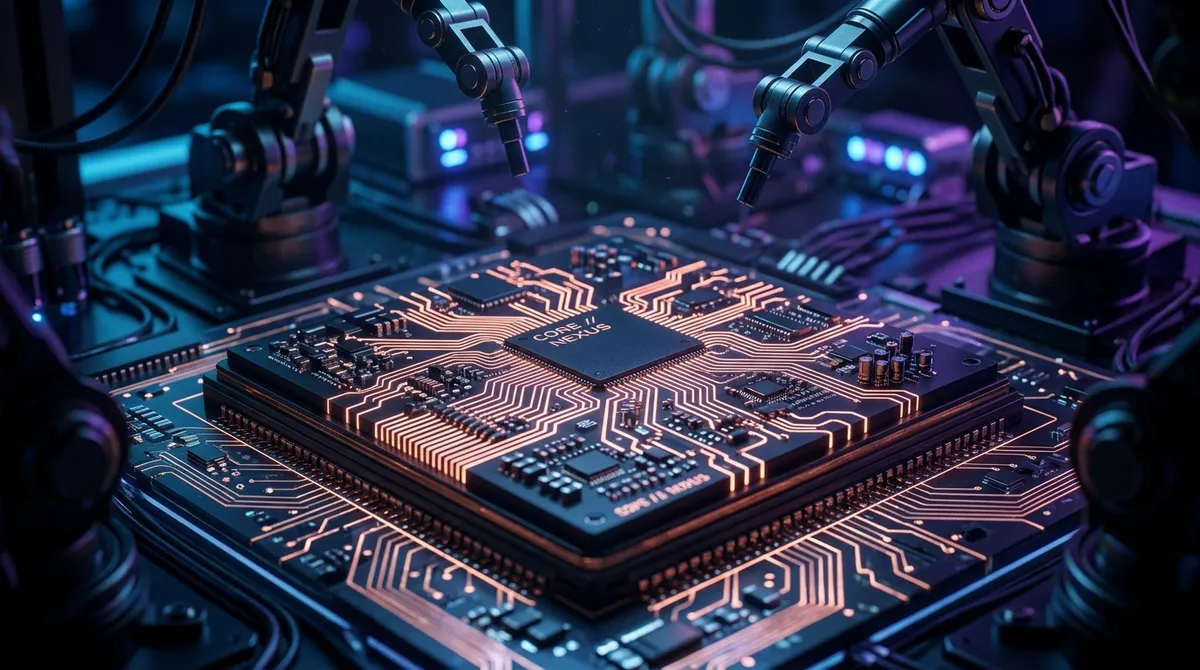
Physical AI: Connecting Code to Microcontrollers
Writing software that lives purely inside a web browser is powerful. But writing code that triggers a physical servo motor, reads humidity metrics from soil, or navigates a robot across a physical floor is magical.
This bridge is called Physical AI—the point where software instructions interface directly with silicon, circuits, and electrical power.
1. The Anatomy of a Physical Interface
To link code with physics, we use microcontrollers (like the ATmega328P on Arduino boards, or the ESP32). Unlike laptops, which are general-purpose computers, microcontrollers are small, dedicated chips designed to run a single program loop continuously at low power consumption.
The Input/Output Interface:
- GPIO (General Purpose Input/Output): Silicon pins that send or receive electrical currents (3.3V or 5V).
- ADC (Analog-to-Digital Converter): Translates variable voltages (like temperature sensor readings) into digital values. On a standard 10-bit ADC (e.g. Arduino Uno), this range is 0 to 1023.
- PWM (Pulse Width Modulation): Rapidly toggles digital power on and off to simulate intermediate outputs (e.g., dimming a LED light or steering a servo motor pin).
2. The Golden Rules of Wiring & Prototyping
When you build physical interfaces, electrical mistakes can destroy your hardware. Always follow these rules:
- Never Overdraw Current: An Arduino Uno digital pin can safely source up to about 20mA (absolute max 40mA). Motors, solenoids, or heaters draw far more. Always use a motor driver, transistor, or relay to handle high-current loads externally.
- Shared Ground (Common GND): If you use an external battery to power a robotic arm, you must connect its negative terminal to the microcontroller's GND pin. Without a common ground reference, control signals behave unpredictably.
- Floating Inputs: A digital input pin left unconnected picks up stray electrical noise, causing random HIGH/LOW readings. Use internal pull-up resistors (
INPUT_PULLUP) to hold the pin at a defined state until intentionally pulled low.
3. Where Physical AI Is Heading
At Kone School, students learn to bridge the gap between high-level programming and low-level hardware. The journey starts with writing logic in browser sandboxes, then progresses to flashing compiled firmware onto real microcontrollers — turning digital instructions into physical robotic feedback loops.
Bridge software logic with microcontrollers, sensors, and actuators in our Embedded Systems & Circuit Prototyping Track.